Frame
A fixed-ratio image frame so every image in a set lines up, cropped or contained.
 Wall clockQ 340
 Ceramic cupQ 95
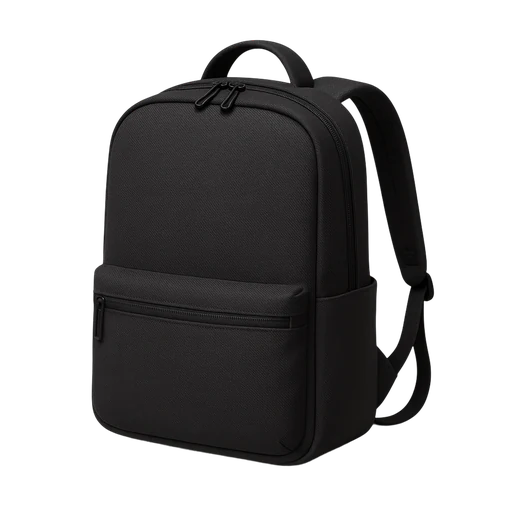 Day backpackQ 520
Installation
$ pnpm dlx shadcn@latest add @ssntl/frameUsage
import { Frame } from "@/components/ui/frame"

<Frame ratio="landscape">
  <img src="/cup.webp" srcSet="/cup.webp 1x, /cup@2x.webp 2x" alt="Ceramic cup" width={640} height={480} />
</Frame>
<Frame fit="contain"><img src="/clock.webp" alt="" /></Frame>
Rules
What this component expects from you, as it ships in components/ui/frame.md next to the code. The full file adds when to use it, keyboard, the UI foundations it applies and every shared rule.
## Rules for Frame

- **Consistent frames.** Every image in a set takes the same ratio (square, portrait, landscape, wide, video) and is cropped to fit.
- **Photo quality.** Serve twice the displayed size (`srcSet` 2x or sizes) and never stretch an image past its source; set width and height so nothing jumps.
- `fit="contain"` for cut-out objects on a transparent ground: shown whole, with room around them.
- A 1px outline at 10% keeps a light photo's edge on any surface.Code
import * as React from "react"
import { cva, type VariantProps } from "class-variance-authority"

import { cn } from "@/lib/utils"

// A fixed-ratio frame for images in a set: products, galleries, covers.
// - Consistent frames: every image in a set takes the same ratio and is
//   cropped to fit (object-cover), so a row never goes ragged.
// - Photo quality: give the image twice its displayed size (srcSet 2x, or
//   sizes with a width list) and never stretch it past its source.
// - A 1px pure black (white in dark) outline at 10% keeps a light photo's
//   edge on any surface.
const frameVariants = cva(
  "relative overflow-hidden bg-muted outline -outline-offset-1 outline-black/10 dark:outline-white/10 [&_img]:size-full [&_img]:object-cover",
  {
    variants: {
      ratio: {
        square: "aspect-square",
        portrait: "aspect-3/4",
        landscape: "aspect-4/3",
        wide: "aspect-16/10",
        video: "aspect-video",
      },
      fit: {
        cover: "",
        // Cut-out objects on a transparent ground: shown whole, never cropped.
        contain: "[&_img]:object-contain [&_img]:p-4",
      },
    },
    defaultVariants: { ratio: "square", fit: "cover" },
  }
)

function Frame({
  ratio,
  fit,
  className,
  ...props
}: React.ComponentProps<"div"> & VariantProps<typeof frameVariants>) {
  return (
    <div
      data-slot="frame"
      className={cn("rounded-md", frameVariants({ ratio, fit, className }))}
      {...props}
    />
  )
}

export { Frame, frameVariants }