Rail
Una fila de tarjetas que se desplaza, con espacio para deslizar y navegación de borde a toda altura.
New in
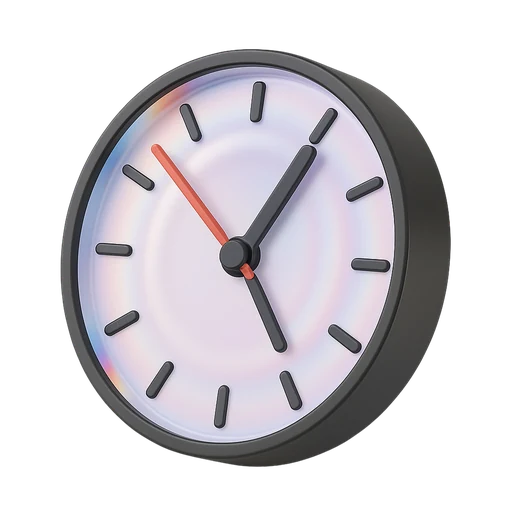
Wall clock
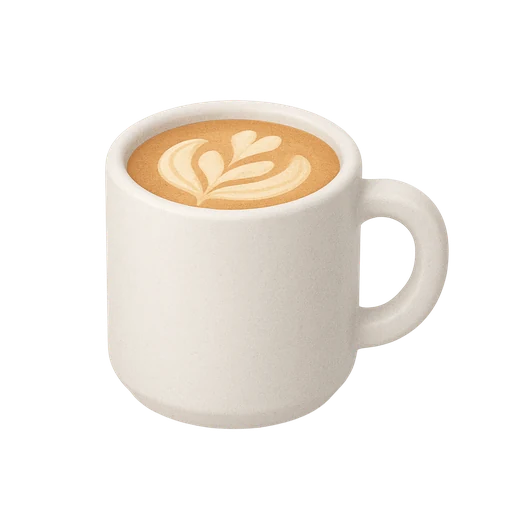
Ceramic cup
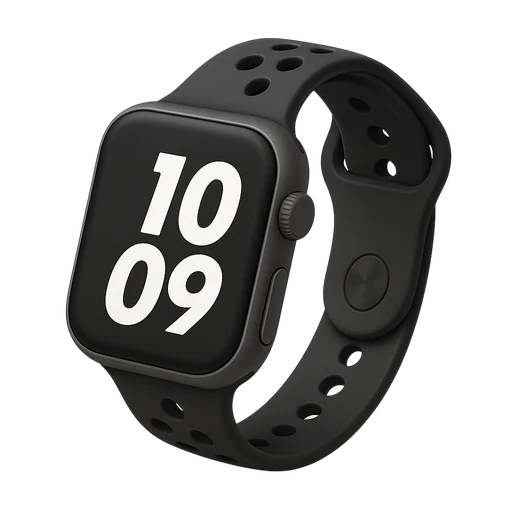
Field watch
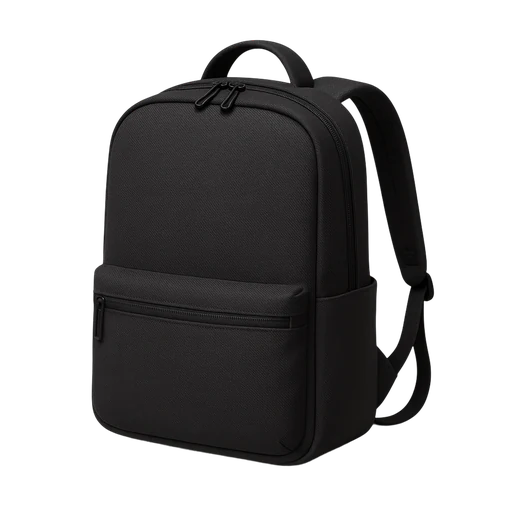
Day backpack
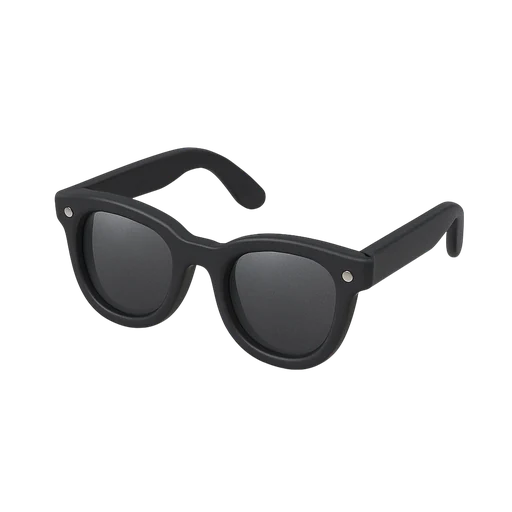
Sunglasses
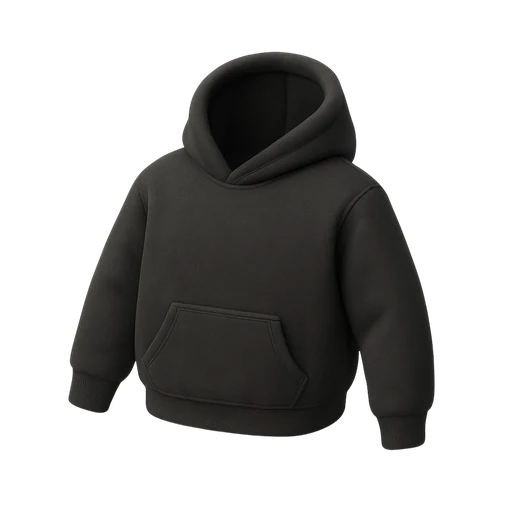
Heavy hoodie
Instalación
$ pnpm dlx shadcn@latest add @ssntl/railUso
import { Rail, RailItem, RailItemMedia, RailItemTitle } from "@/components/ui/rail"

<Rail aria-label="Productos nuevos" previousLabel="Anterior" nextLabel="Siguiente">
  <RailItem>
    <RailItemMedia><img src="/taza.webp" alt="" /></RailItemMedia>
    <RailItemTitle>Taza de cerámica</RailItemTitle>
  </RailItem>
</Rail>- Espacio para deslizar: 44px vacíos bajo las tarjetas, así el pulgar desliza la fila sin abrir una tarjeta.
- Navegación de borde: Anterior y Siguiente cubren toda la altura de las tarjetas y 48px de cada borde; se ocultan en cada extremo.
- Las tarjetas se ajustan al desplazar, la siguiente se asoma y los nombres quedan visibles bajo cada imagen.
- La fila recibe foco y se desplaza con las flechas; el desplazamiento suave se apaga con movimiento reducido.
Código
"use client"

import * as React from "react"
import { ChevronLeft, ChevronRight } from "lucide-react"

import { cn } from "@/lib/utils"

// A horizontal row of cards that scrolls and snaps. Two touch rules:
// - Room to swipe: 44px of empty space under the cards, so a thumb can swipe
//   the row without landing on a card and opening it.
// - Edge navigation: Previous and Next cover the full height of the cards and
//   48px of each edge, so they are easy to hit; the visible button is small
//   and the next card still peeks in. They hide at either end.
function Rail({
  className,
  children,
  previousLabel = "Previous",
  nextLabel = "Next",
  "aria-label": label,
  ...props
}: React.ComponentProps<"section"> & {
  "aria-label": string
  previousLabel?: string
  nextLabel?: string
}) {
  const viewport = React.useRef<HTMLUListElement>(null)
  const [edges, setEdges] = React.useState({ start: true, end: false })

  const measure = React.useCallback(() => {
    const el = viewport.current
    if (!el) return
    const left = Math.abs(el.scrollLeft)
    setEdges({
      start: left <= 1,
      end: left + el.clientWidth >= el.scrollWidth - 1,
    })
  }, [])

  React.useEffect(() => {
    measure()
    const el = viewport.current
    if (!el) return
    const observer = new ResizeObserver(measure)
    observer.observe(el)
    return () => observer.disconnect()
  }, [measure])

  const scroll = (direction: 1 | -1) => {
    const el = viewport.current
    if (!el) return
    const rtl = getComputedStyle(el).direction === "rtl" ? -1 : 1
    const reduce = matchMedia("(prefers-reduced-motion: reduce)").matches
    el.scrollBy({
      left: direction * rtl * el.clientWidth * 0.8,
      behavior: reduce ? "auto" : "smooth",
    })
  }

  const edge =
    "absolute top-0 bottom-11 z-10 grid w-12 cursor-pointer place-items-center transition-opacity duration-(--duration-fast) ease-out"
  const knob =
    "grid size-9 place-items-center rounded-full bg-card text-foreground shadow-float [&_svg]:size-5"

  return (
    <section
      data-slot="rail"
      aria-roledescription="carousel"
      aria-label={label}
      className={cn("relative", className)}
      {...props}
    >
      <ul
        ref={viewport}
        onScroll={measure}
        tabIndex={0}
        aria-label={label}
        className="flex snap-x snap-mandatory [scrollbar-width:none] gap-3 overflow-x-auto overscroll-x-contain pb-11 focus-visible:outline-2 focus-visible:outline-offset-2 focus-visible:outline-ring"
      >
        {children}
      </ul>
      <button
        type="button"
        aria-label={previousLabel}
        onClick={() => scroll(-1)}
        tabIndex={-1}
        className={cn(
          edge,
          "start-0",
          edges.start && "pointer-events-none opacity-0"
        )}
      >
        <span className={knob}>
          <ChevronLeft
            aria-hidden
            strokeWidth={1.6}
            className="rtl:rotate-180"
          />
        </span>
      </button>
      <button
        type="button"
        aria-label={nextLabel}
        onClick={() => scroll(1)}
        tabIndex={-1}
        className={cn(
          edge,
          "end-0",
          edges.end && "pointer-events-none opacity-0"
        )}
      >
        <span className={knob}>
          <ChevronRight
            aria-hidden
            strokeWidth={1.6}
            className="rtl:rotate-180"
          />
        </span>
      </button>
    </section>
  )
}

// A card in the rail: the picture, then its name, always visible.
function RailItem({ className, ...props }: React.ComponentProps<"li">) {
  return (
    <li
      data-slot="rail-item"
      className={cn(
        "grid w-40 shrink-0 snap-start content-start gap-2",
        className
      )}
      {...props}
    />
  )
}

function RailItemMedia({ className, ...props }: React.ComponentProps<"div">) {
  return (
    <div
      data-slot="rail-item-media"
      className={cn(
        "grid aspect-square place-items-center overflow-hidden rounded-md bg-muted outline -outline-offset-1 outline-black/10 dark:outline-white/10 [&_img]:size-full [&_img]:object-contain",
        className
      )}
      {...props}
    />
  )
}

function RailItemTitle({ className, ...props }: React.ComponentProps<"p">) {
  return (
    <p
      data-slot="rail-item-title"
      className={cn("truncate text-caption font-medium", className)}
      {...props}
    />
  )
}

export { Rail, RailItem, RailItemMedia, RailItemTitle }