A strip that drifts on its own for showcases: pauses on hover, focus, off screen and with a 48px button, and stands still with reduced motion.
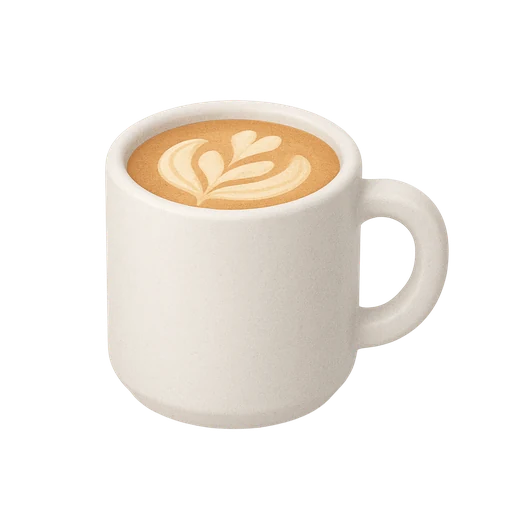 Ceramic cupQ 120
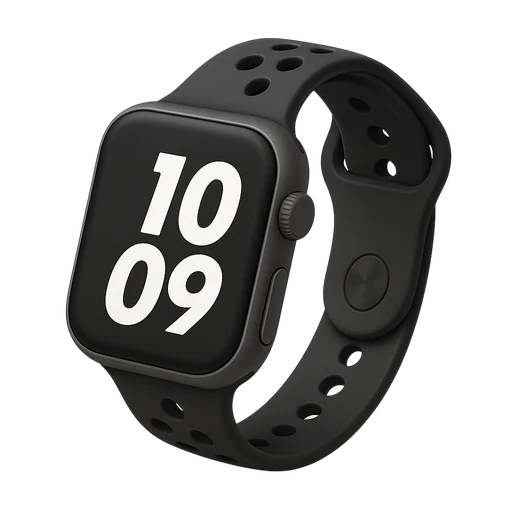 Field watchQ 1,450
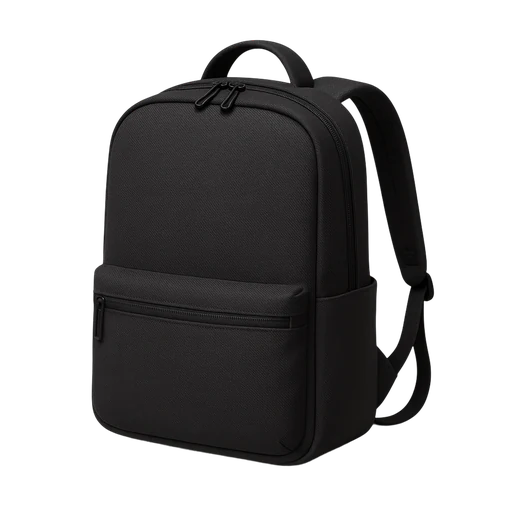 Day packQ 690
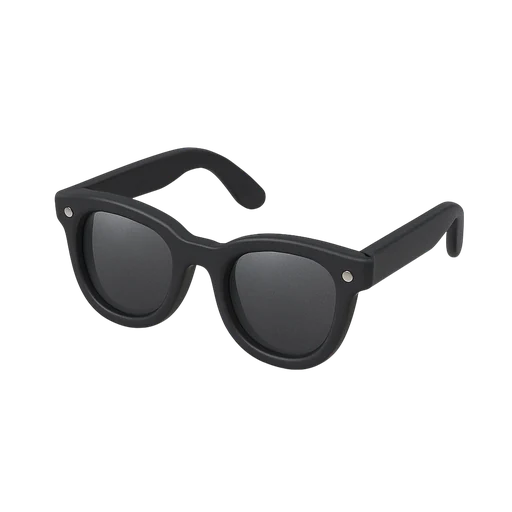 SunglassesQ 380
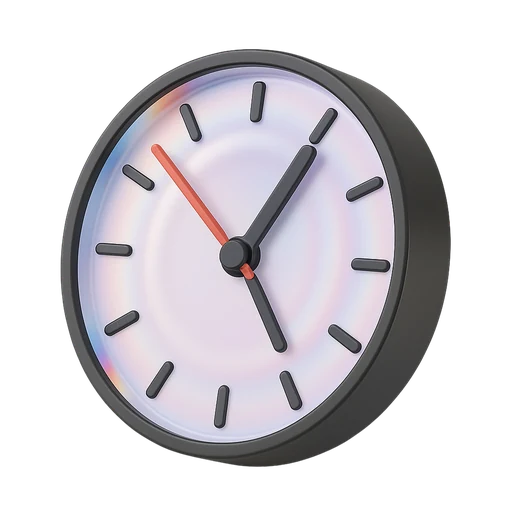 Wall clockQ 540
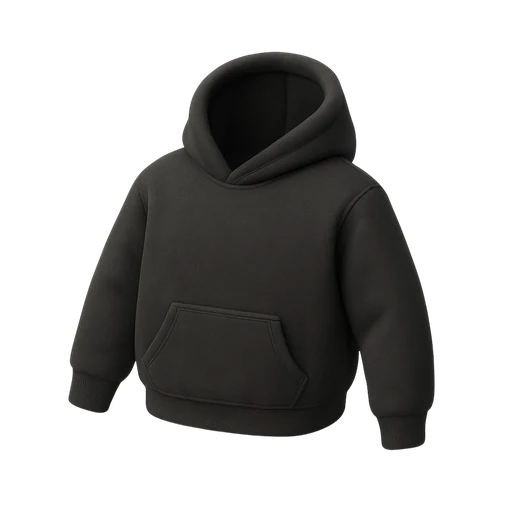 HoodieQ 420
Installation
Add it with the shadcn CLI, or copy the source by hand.
$ pnpm dlx shadcn@latest add @ssntl/marqueeAPI reference
Marquee
labelrequiredType:stringNames the region for screen readers: “Examples built with ssntl/ui”.Default:—pauseLabel?Type:stringDefault:"Pause"playLabel?Type:stringDefault:"Play"duration?Type:numberSeconds for one full loop; longer strips need more.Default:—childrenrequiredType:React.ReactNodeMarqueeItem elements.Default:—
Also takes every prop of <div>.
No props of their own: each passes every prop to the element on the right.
MarqueeItem<li>
Rules
What this component expects from you, as it ships in components/ui/marquee.md next to the code. The full file adds when to use it, keyboard, the UI foundations it applies and every shared rule.
## Rules for Marquee

- **Pausing.** Anything that moves on its own for more than five seconds needs a way to stop it (WCAG 2.2.2). The strip pauses while hovered or focused and has a 48px pause button whose label names what it stops.
- Off screen, it pauses too, so it never spends battery where nobody is looking.
- **One copy for people.** The strip renders twice for a seamless loop, and the copy is `aria-hidden` and inert.
- Only translate moves, at a constant speed on `--ease-linear`; set duration so a long strip doesn't rush.
- **Reduced motion.** It stands still and becomes a row you scroll, focusable and labelled.
- Edges fade out (mask-fade-x) instead of cutting items in half.
- **For atmosphere only.** Never put something people must read or act on in time in a moving strip.